NOTICE ยท ANNOUNCEMENT

Course Notices

Key announcements and required registration info for the ACE AI SW Startup Training course.

1 / 1
AI credit support Latest notice
2026.11.19 ยท From the course team

[Notice] We'll cover your AI credit costs (up to $40 per person)

Key information
We will cover your AI credit costs up to $40 per person. Submit your payment receipt, and after we check it, we'll pay you back in cash.

Hello, everyone.
To help with the cost of the AI tools you use in class (AI credits, paid plans, and so on), the course team will support part of the cost.

After you pay for AI credits, please submit your receipt to the course team. Once we check it, we'll pay you back up to $40 in cash.

Support amount
$40 / max per person
Paid as
Cash
What to submit
Payment receipt
How to apply
  1. Pay for AI creditsFirst, pay for the credits or paid plan of the AI tool you use in class.
  2. Get your receiptPrepare a receipt (or a screenshot of the payment) that shows the date, amount, and service name.
  3. Submit to the course teamGive your receipt to the course team. After we check it, we'll pay you up to $40 in cash.
Please note
  • Limit: up to $40 per person. If you paid less than $40, we'll pay back the amount you actually paid. Anything above $40 is on you.
  • Receipt required: we can't pay you back without a receipt. Make sure the amount and date are easy to read.
  • Your own payment: support covers only AI credit costs that you paid for yourself.
  • Questions: if you're not sure how to submit or which services are covered, ask the course team.
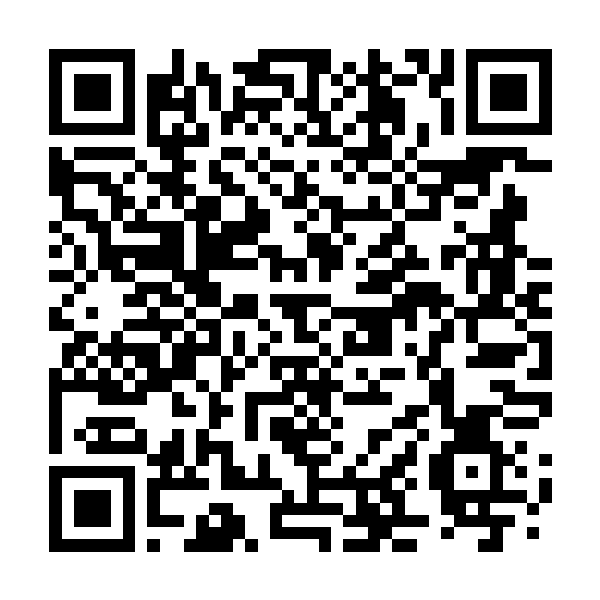
Photo registration Earlier notice
2026.11.17 ยท From the course team

[Notice] Add your profile photo for the login page

Key information
To add your photo to the login page, please upload it using the link below.

Hello, everyone.
We're collecting photos so you can register your own profile image to show on the course LMS login screen and your learner profile card.

Click the Google Form link below to submit your photo, or scan the QR code with your phone camera to easily upload a photo saved on your phone.

Photo registration link (Google Form)

Press the button below to go to the Google Form for photo registration. Attach your name and photo file and submit.

Photo registration Google Form QR code

Scan with your phone camera to submit a photo right away on mobile.

Save QR image
Notes on submitting photos
  • A photo that shows you: we recommend a clear, solo, front-facing photo that makes you easy to identify (ID photo or upper-body profile).
  • How it's used: submitted photos are used safely and only for profile display on the LMS login system and attendance management.
  • Matching name: when submitting the form, enter the same name you registered for the course with.